Getting Started with HipTrip
Creating an account
HipTrip uses magic link sign-in — no password required.
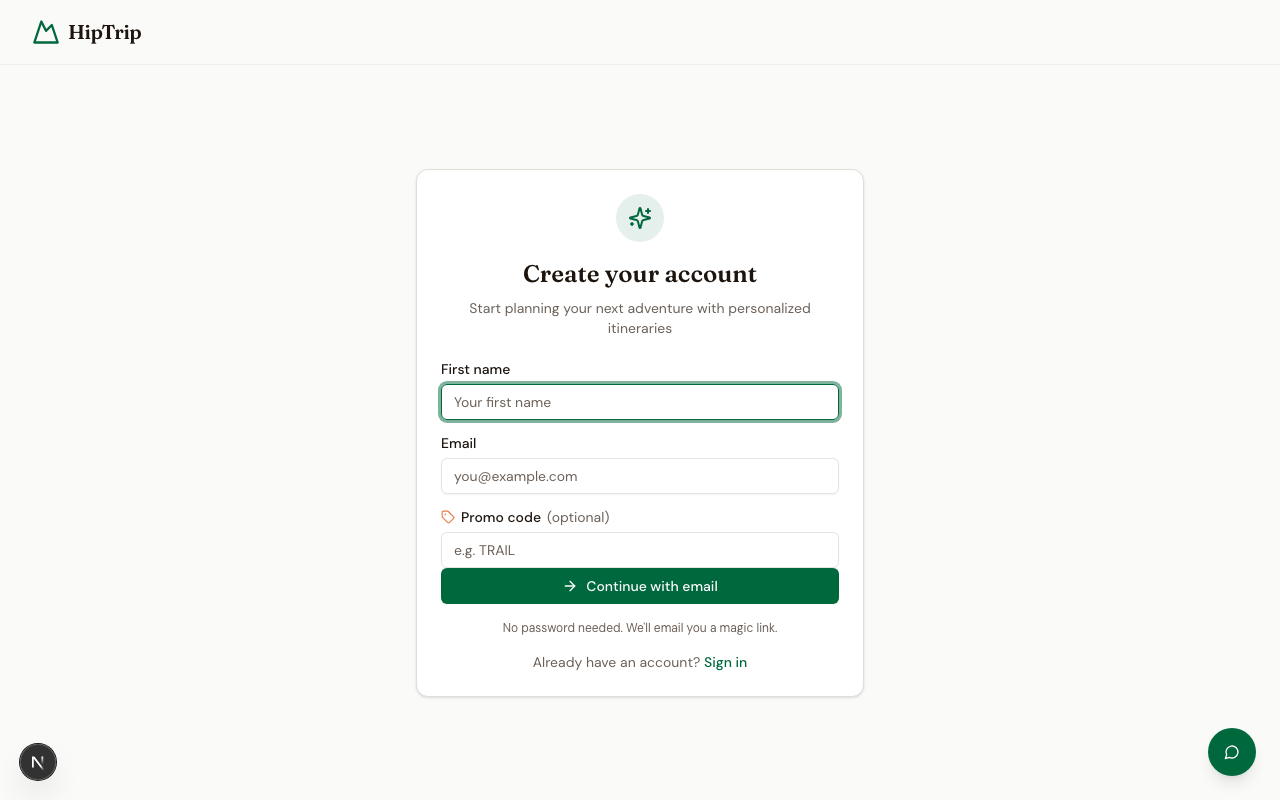
- Go to the Sign Up page.
- Enter your name and email address.
- Click Create account.
- Check your inbox for a sign-in link from HipTrip (sent by hello@hiptrip.com). Click it to confirm your account and log in automatically.
Tip: If you don't see the email within a minute or two, check your spam folder. See Troubleshooting if it never arrives.
Logging in
Once your account exists, log in the same way:
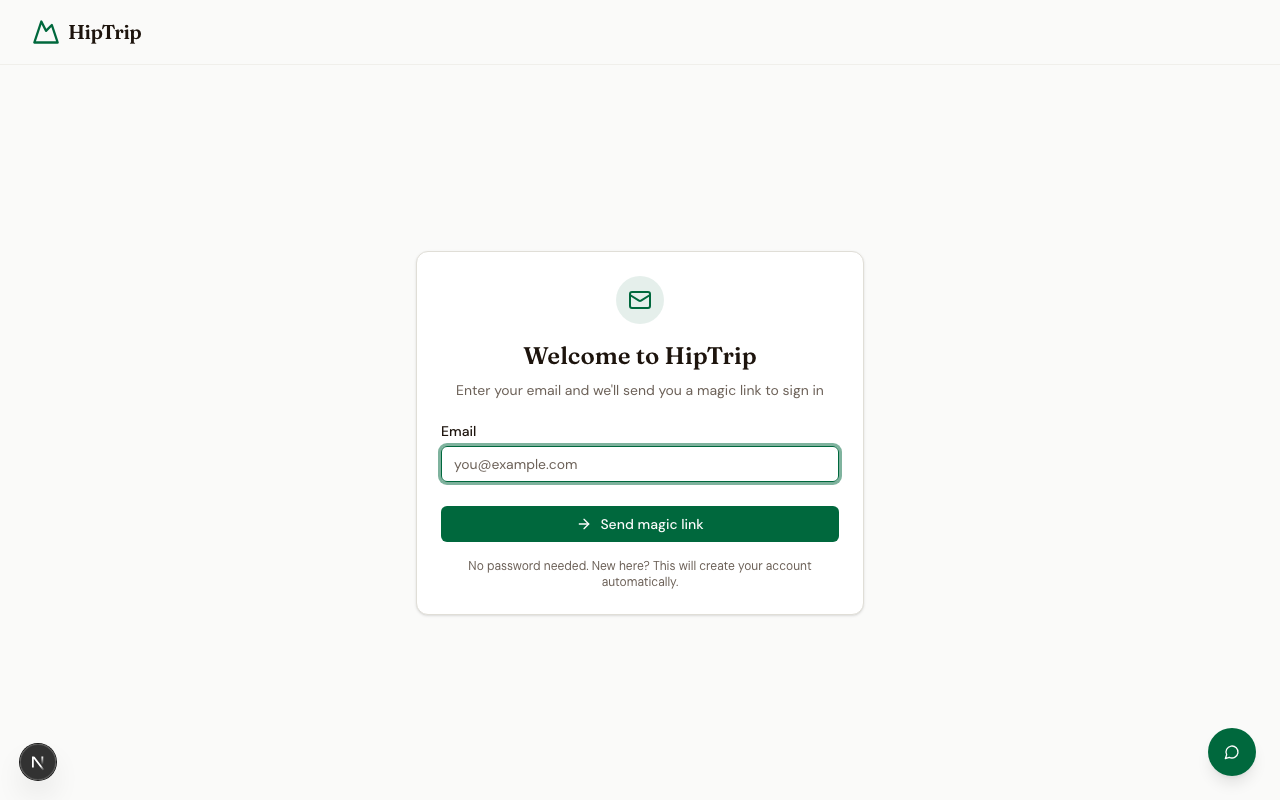
- Go to the Login page.
- Enter your email address and click Send magic link.
- Click the link in your email to be signed in.
Magic links expire after a short window. If yours has expired, just request a new one.
Applying a promo code
If you have a promo code, you can enter it during sign-up or from your Credits page after logging in. Promo codes grant free unlock credits — see Credits & Pricing for details.
Your first trip
Once you're logged in, you'll land on your Dashboard. From there:
- Click Generate New Itinerary to open the trip planner.
- Enter a destination, choose your trip type and duration, and click Generate.
- Your AI-generated itinerary will be ready in about 30 seconds.
- You'll see a preview with the first day visible. Unlock it to see the full plan.
For a detailed walkthrough of all the generator options, see Generating Itineraries.