Profile & Memory
Your profile
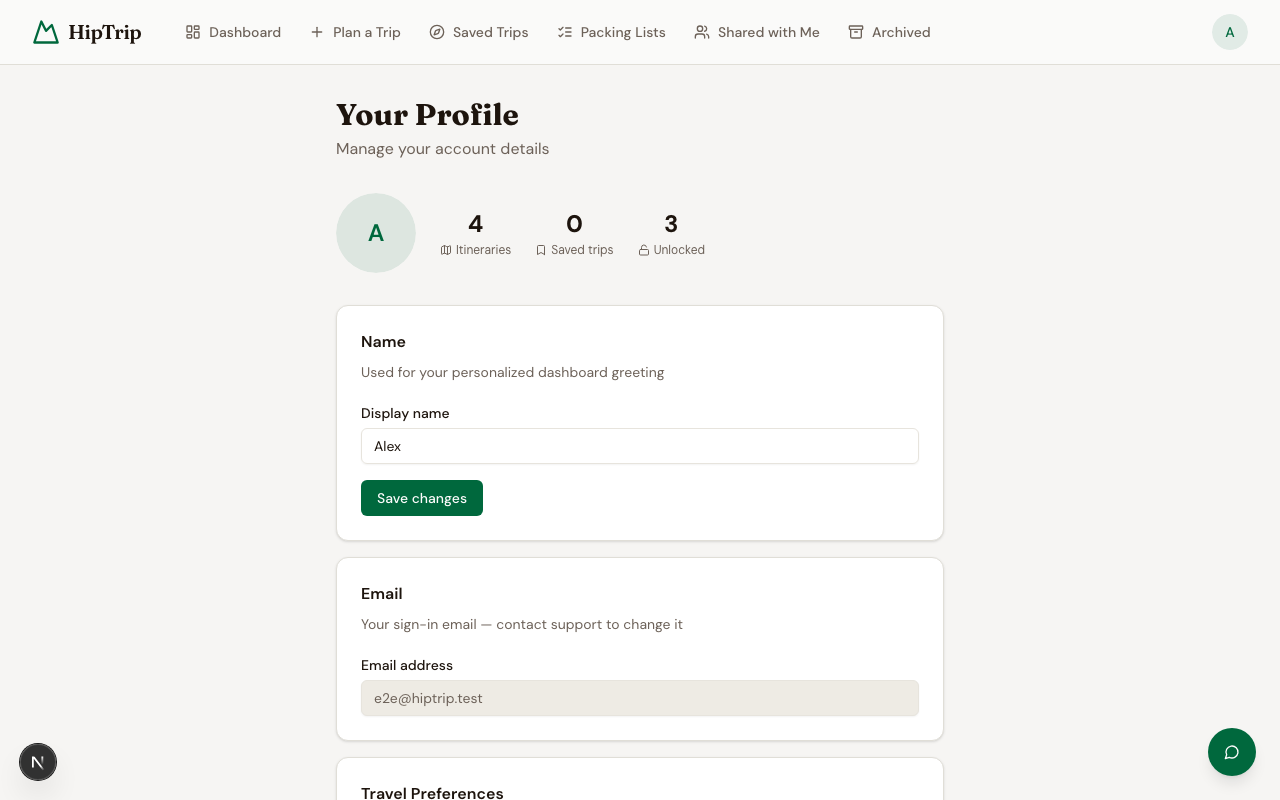
Edit your display name at /dashboard/profile. Your name appears in greetings and is visible to people you share itineraries with.
To change the email address on your account, contact hello@hiptrip.com.
AI assistant memory
The AI chat assistant on your itinerary pages can remember things about you across conversations — your fitness level, preferred pace, dietary restrictions, gear you own, destinations you've already visited, and anything else you tell it.
This memory is used to give you more personalized advice without having to re-explain yourself each time.
Viewing your memories
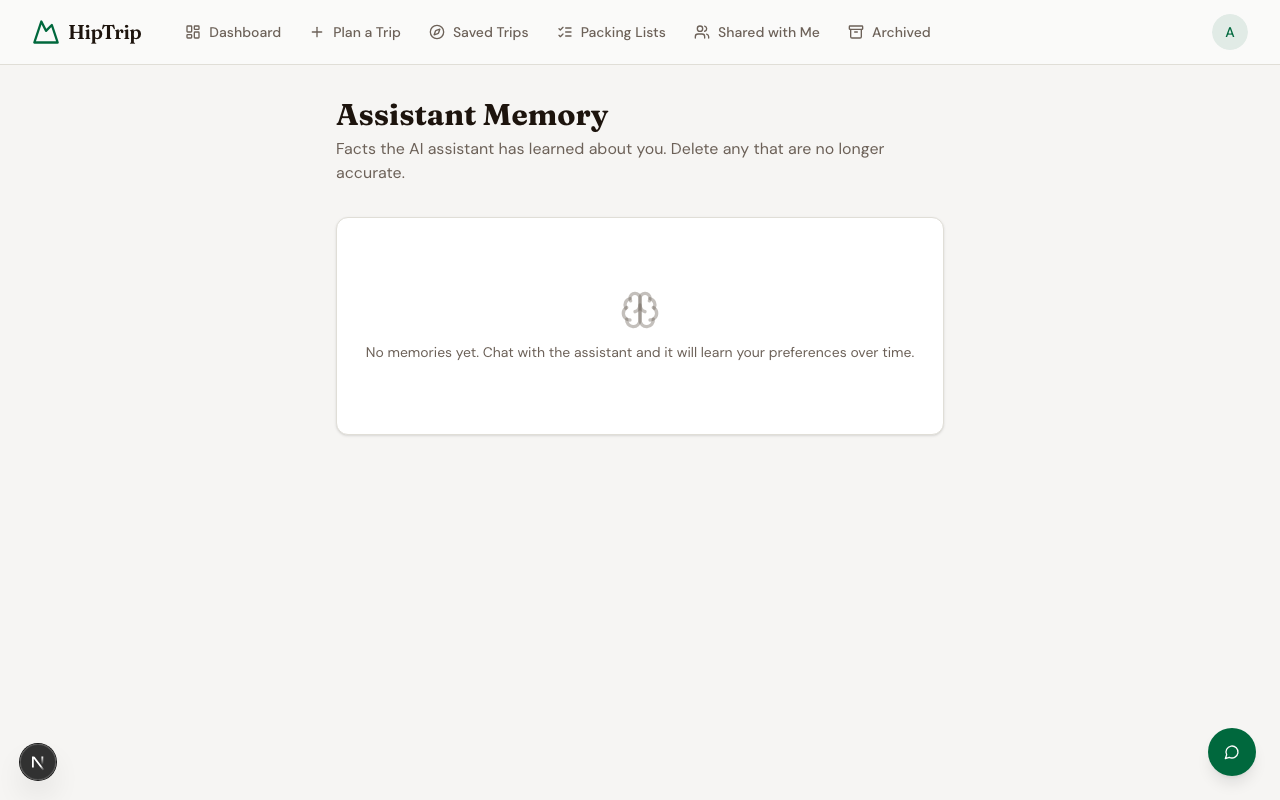
Go to /dashboard/memory to see everything the assistant has stored about you.
Deleting a memory
Click the delete icon next to any memory entry to remove it. The assistant will no longer use that information in future conversations.
You can delete memories at any time — for example, if something has changed (you sold your road bike, you've now visited a destination you were planning for).
How memories are created
The assistant creates memories automatically as you chat. It won't ask your permission each time — it just notes things it thinks will be useful later. If it stores something inaccurate, delete it from the memory page.