Packing Lists
Auto-generated packing lists
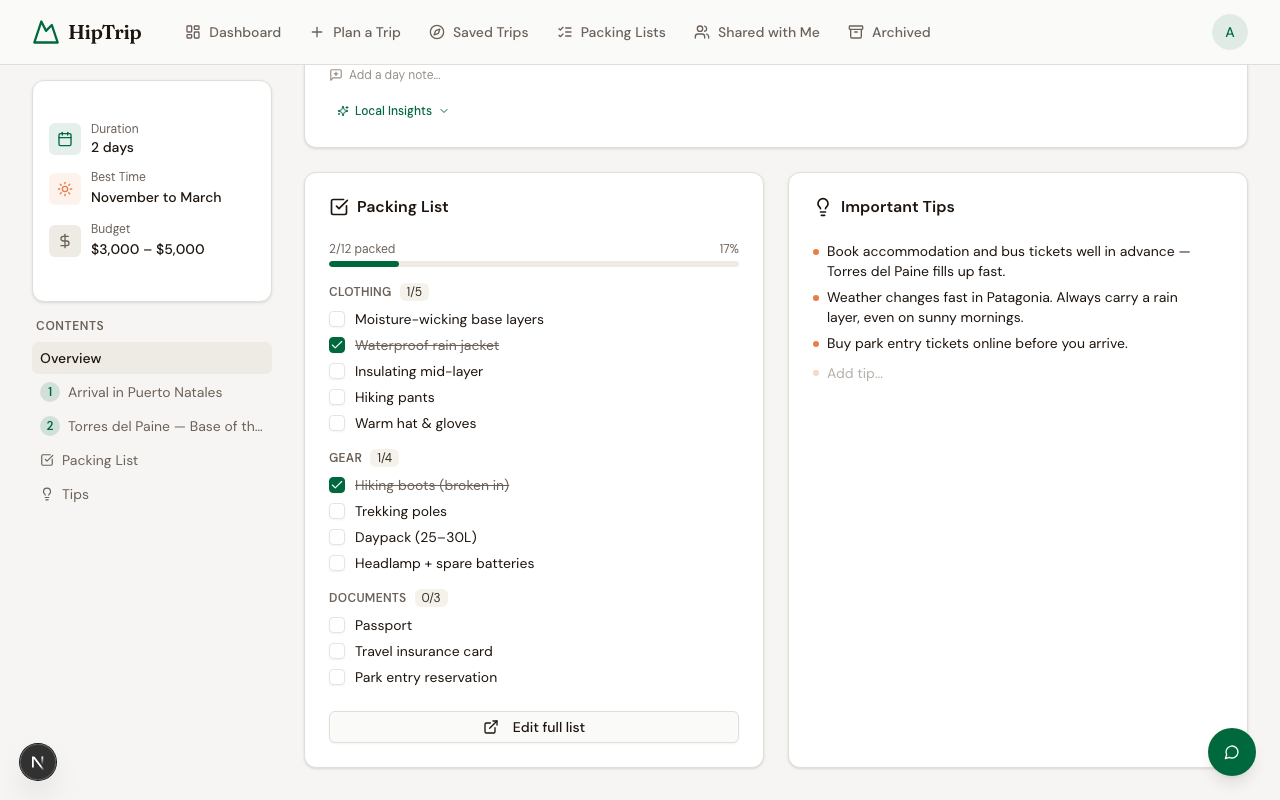
When HipTrip generates an itinerary, it automatically creates a packing list tailored to your trip — accounting for destination, duration, trip type (hiking vs. biking), and difficulty. Items are organized into categories (clothing, gear, documents, etc.).
You can access it from the Packing List tab inside any unlocked itinerary.
Standalone packing lists
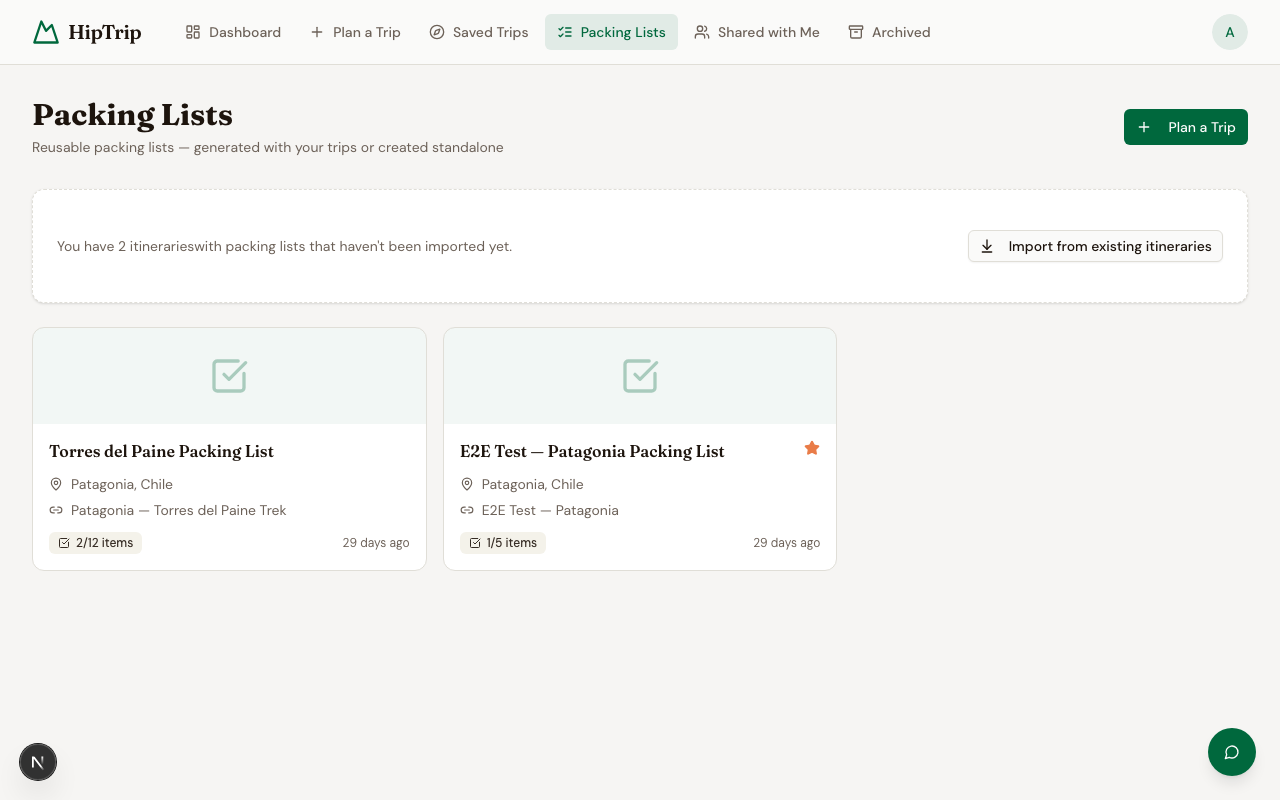
You can also create and manage packing lists independently at /dashboard/packing-lists. These are useful for:
- Building reusable templates (e.g., "Weekend hiking kit")
- Packing for trips you didn't generate through HipTrip
- Sharing a packing list with a travel partner
Creating a standalone list
- Go to Packing Lists.
- Click New Packing List.
- Give it a name.
- Add categories and items.
Editing a list
- Add a category — Click Add category, enter a name.
- Add an item — Click + inside a category, type the item name.
- Check off items — Click the checkbox next to any item. Your progress is saved automatically.
- Rename/delete — Use the edit controls next to categories or item names.
Favoriting a list
Star any packing list to mark it as a favorite. Favorites appear at the top of your list.
Reusing lists across trips
Standalone packing lists persist independently of any itinerary, so you can reuse the same list for multiple trips. Just uncheck all items before your next trip.
Deleting a list
Open the list and use the Delete option in the list menu. This is permanent and cannot be undone.