Managing Trips
Favoriting a trip
Click the star icon on any itinerary card to mark it as a favorite. Favorites are a visual tag — they don't change where the trip appears in your list, but they help you spot the ones you care most about at a glance.
Click the star again to unfavorite.
Archiving a trip
Archiving moves a trip out of your active list without deleting it. Use this for trips you've completed or no longer want cluttering your main view.
Click the archive icon on the itinerary card or from inside the itinerary. Archived trips appear at /dashboard/archived.
Restoring an archived trip
Open Archived Trips, find the trip, and click Restore. It will move back to your active Saved Trips list.
Your saved trips list
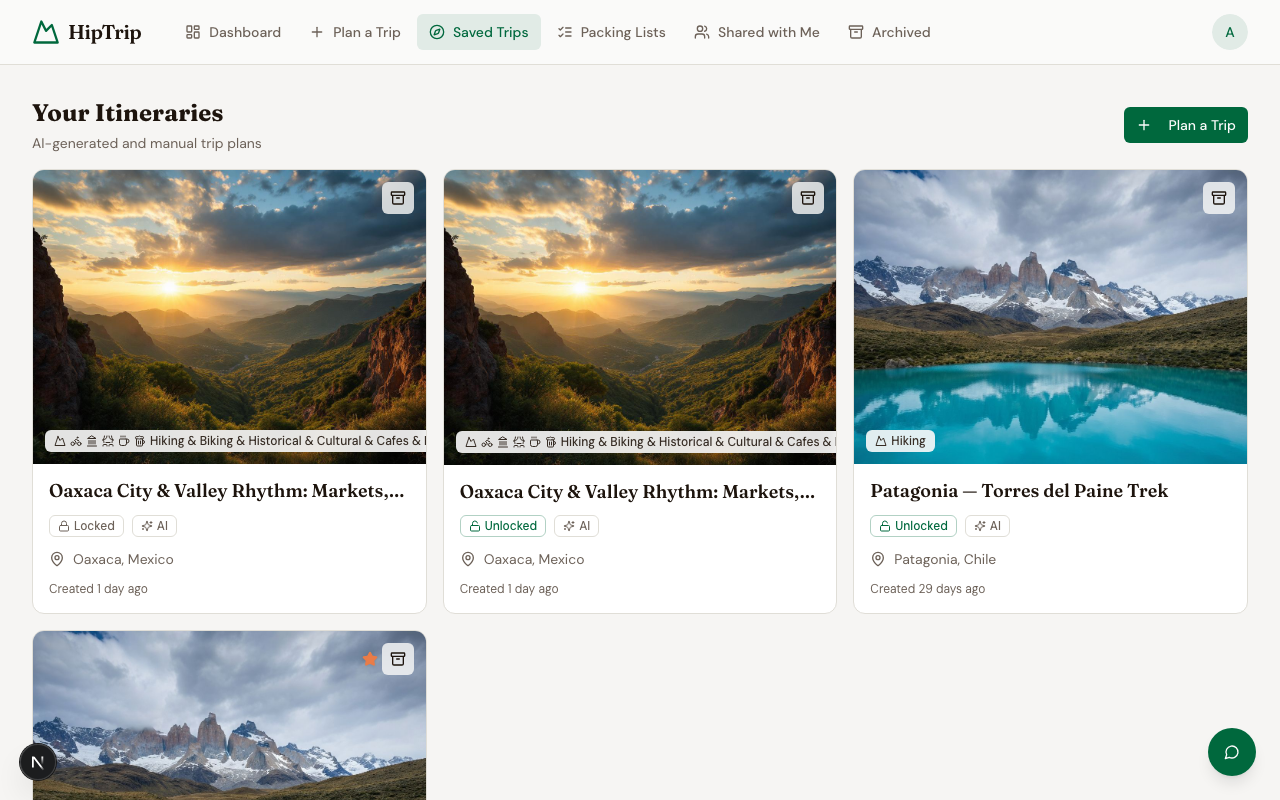
/dashboard/saved shows all your active itineraries plus any curated trips you've saved. The page is split into two tabs:
- My Itineraries — AI-generated trips you've created
- Saved Curated Trips — Curated trips you've bookmarked
Itineraries shared with you
Trips other people have shared with you appear separately at /dashboard/shared. You can't archive or delete someone else's shared trip, but you can view (and edit, if given permission) it from there.
Note: There's currently no search or filter on the saved trips list. If you have a lot of trips, using favorites and archives to stay organized is recommended.