Profile & Memory
Your profile
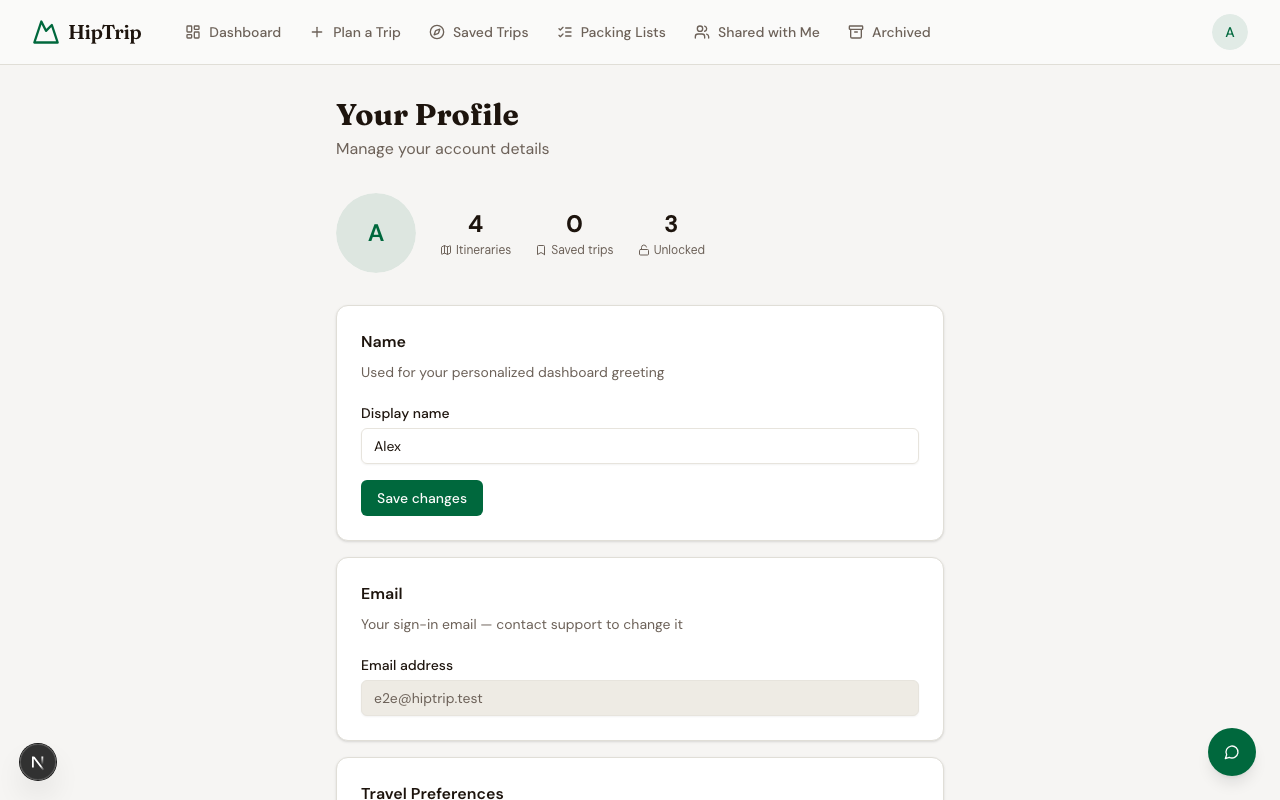
Edit your display name at /dashboard/profile. Your name appears in greetings and is visible to people you share itineraries with.
To change the email address on your account, contact hello@hiptrip.com.
Your taste
HipTrip can tune its picks and new-trip planning to your taste. During onboarding you can share your travel style, usual companions, interests, and an optional Taste step (you can tap Skip for now), and you can set or change any of these answers later in the Travel Preferences and Taste sections of /dashboard/profile. Questions cover things like food style, coffee and evening bar appetite, how quiet or lively you like a place, and dietary needs. Every question is optional, and clearing all of them turns personalization off.
What it changes:
- New trip planning & Vibe Mixer: on /dashboard/plan, your saved onboarding preferences and Taste answers activate a Saved taste active baseline, pre-fill the inline Trip Vibe Mixer weights and daily rhythm, and steer the 3 initial trip shapes drafted for your trip. Anything you adjust in the mixer or say in chat overrides your saved defaults for that trip.
- Trip generation: when we choose places for a new itinerary, ones that match your taste are ranked higher. Quality still comes first, and a place below our quality bar is never promoted just because it fits.
- Fit chip: on your own itinerary page, a place can show a Fit number next to its HIP badge, with a tooltip explaining what matched. It appears only when you have a taste profile and the place has matching tags. It is never shown on shared itineraries.
A place's HIP score is the same for everyone. Fit is calculated on the fly from your answers and is never saved as a score on your account.
AI assistant memory
The AI chat assistant on your itinerary pages can remember things about you across conversations — your fitness level, preferred pace, dietary restrictions, gear you own, destinations you've already visited, and anything else you tell it.
This memory is used in two places so you don't have to re-explain yourself each time:
- In-trip assistant: gives personalized advice and edits when chatting on any of your itineraries.
- New trip planning: feeds background context into /dashboard/plan alongside your saved preferences and Taste profile, helping the planner skip repeat questions and shape the 3 initial trip outlines (while always letting your current chat and Trip Vibe Mixer choices take priority).
Viewing your memories
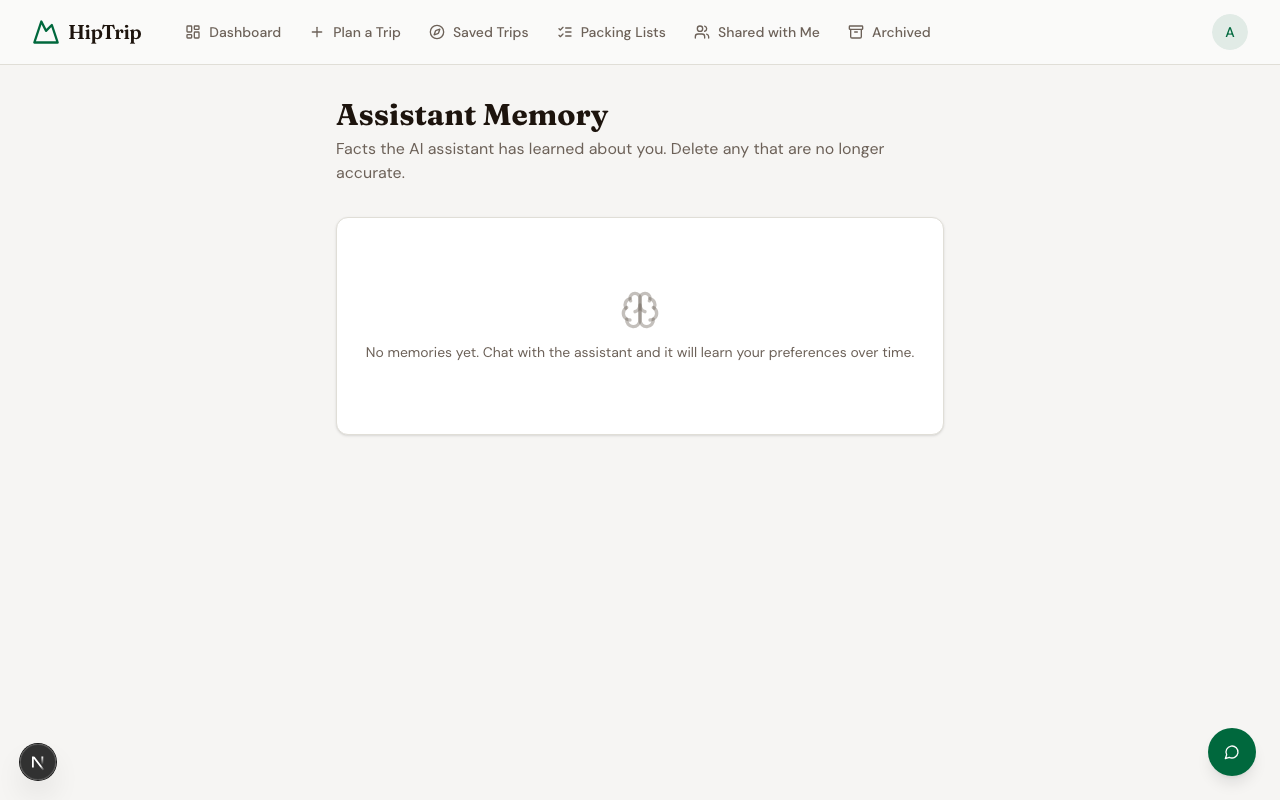
Go to /dashboard/memory to see everything the assistant has stored about you.
Deleting a memory
Click the delete icon next to any memory entry to remove it. The assistant will no longer use that information in future conversations.
You can delete memories at any time — for example, if something has changed (you sold your road bike, you've now visited a destination you were planning for).
How memories are created
The assistant creates memories automatically as you chat. It won't ask your permission each time — it just notes things it thinks will be useful later. If it stores something inaccurate, delete it from the memory page.